
Table of Contents
6.3 SQLite Database – Node-RED database node
Import node into Node-RED
The Node-RED node for the database is generated similar to other nodes and imported into Node-RED:
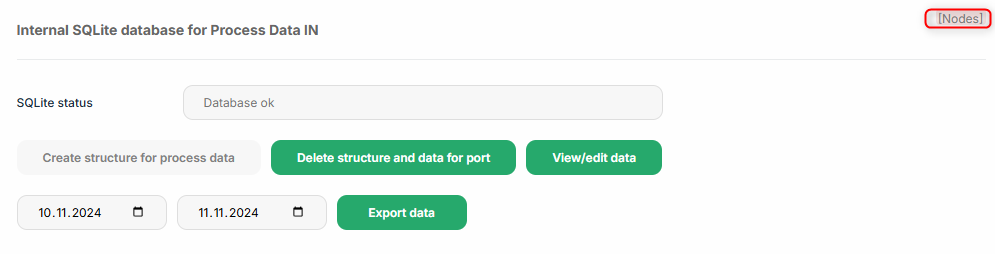 |
Copy the content:
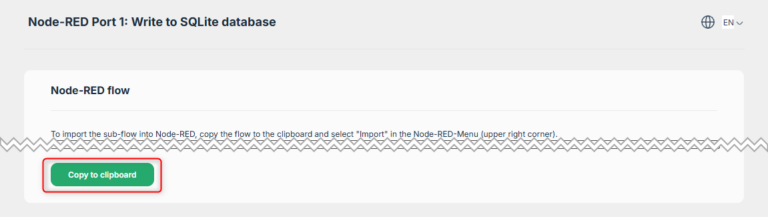 |
Import into Node-RED:
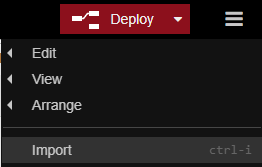 |
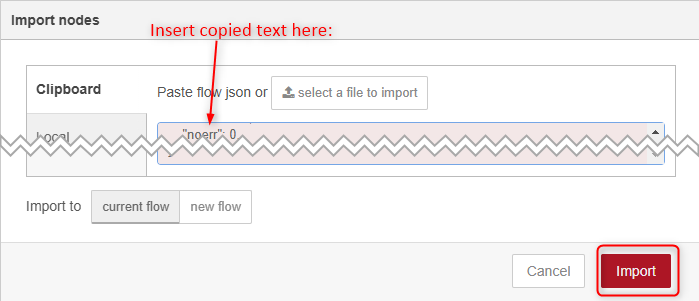 |
Connect node in Node-RED
For the resulting node, the output of the Process Data needs to be directly connected to the “Compile Data” node:
 |
To confirm the database settings, the database connection needs to be confirmed. Double-click on the “Database” node and confirm with “Done”:
 |
When importing more than one database node, a message appears that some of the nodes already exist. Please use “import copy” in this case:

Delete old data
Data can be purged on a regular basis from the database. To do so, connect an “Inject” node with the “Delete older than x hours” input.
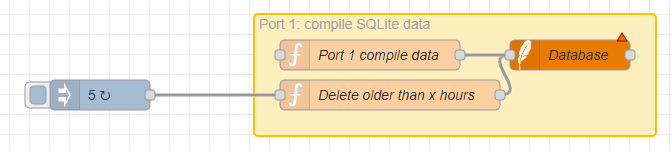 |
in this example, the node is configured to delete the data older than 5 hours. This operation is executed at Node-RED start (device start if Node-RED service is enabled) and then every hour:
 |